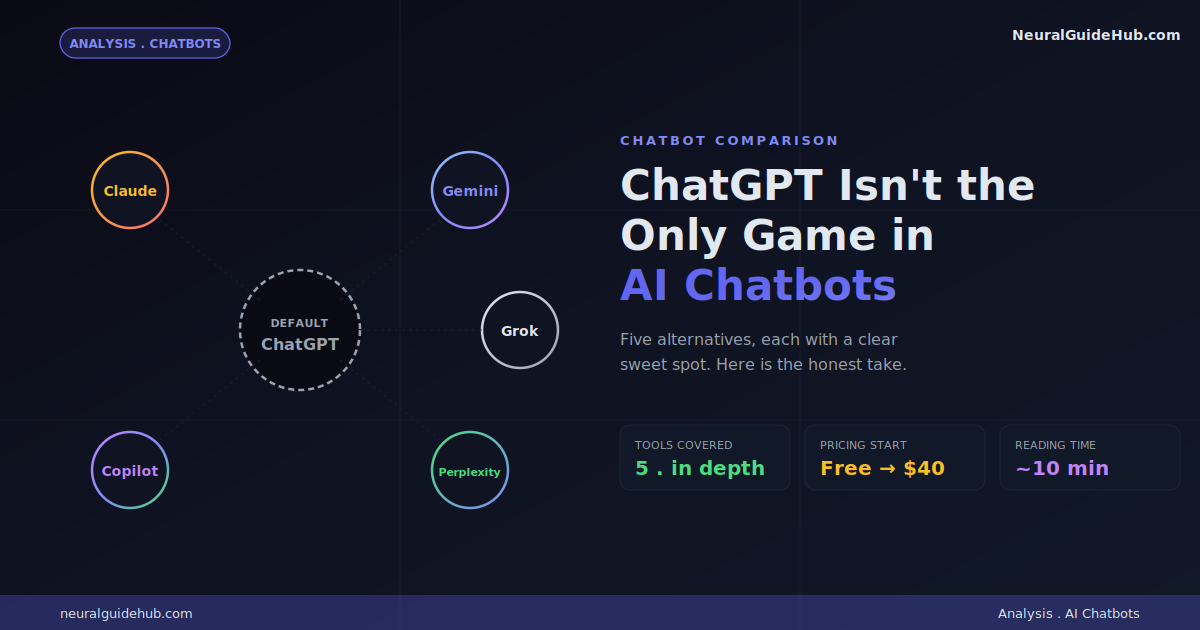
ChatGPT is still the AI chatbot most people open by default. Familiar interface. Reliable answers. Solid for general tasks. But once you push past general, the gaps start showing. The space of ChatGPT alternatives has gotten genuinely strong in the last year. Some are better at writing. Some are better at search. Some live inside the ecosystem you already work in. The right pick depends on what you actually use a chatbot for, not on which one has the most users.
I’ve tested all five of these tools in real, daily use. Hit walls in some. Got pleasantly surprised by others. What follows is the rundown I’d give a friend who asked “should I bother with anything besides ChatGPT?”
What Actually Makes a Good ChatGPT Alternative
Before we get into specific tools, here’s what actually matters when you’re switching:
- It has to do something better than ChatGPT. Being “almost as good” isn’t enough to justify a switch. Each of these has a clear lane where it actually beats the default option.
- The basics need to work. Web search. File uploads. Image understanding. Some kind of reasoning model. If a chatbot doesn’t have these in 2026, it’s behind the curve.
- It has to be easy to use. No setup gymnastics. No “install Python first” energy. You sign up, you start chatting.
- It has to stay current. The chatbot space moves fast. Tools that stop shipping updates lose ground in three months.
- The free tier should be usable. Otherwise you’re paying $20 just to find out if a tool fits.
Now let’s get into the actual picks.
The 5 Best ChatGPT Alternatives
Quick map before we dig in:
- Claude for serious writing, coding, and professional work
- Gemini for anyone who lives inside Google apps
- Microsoft Copilot for Microsoft 365 and Edge integration
- Perplexity for research and verifiable web search
- Grok for less filtered answers and X integration
1. Claude: The Professional’s Pick
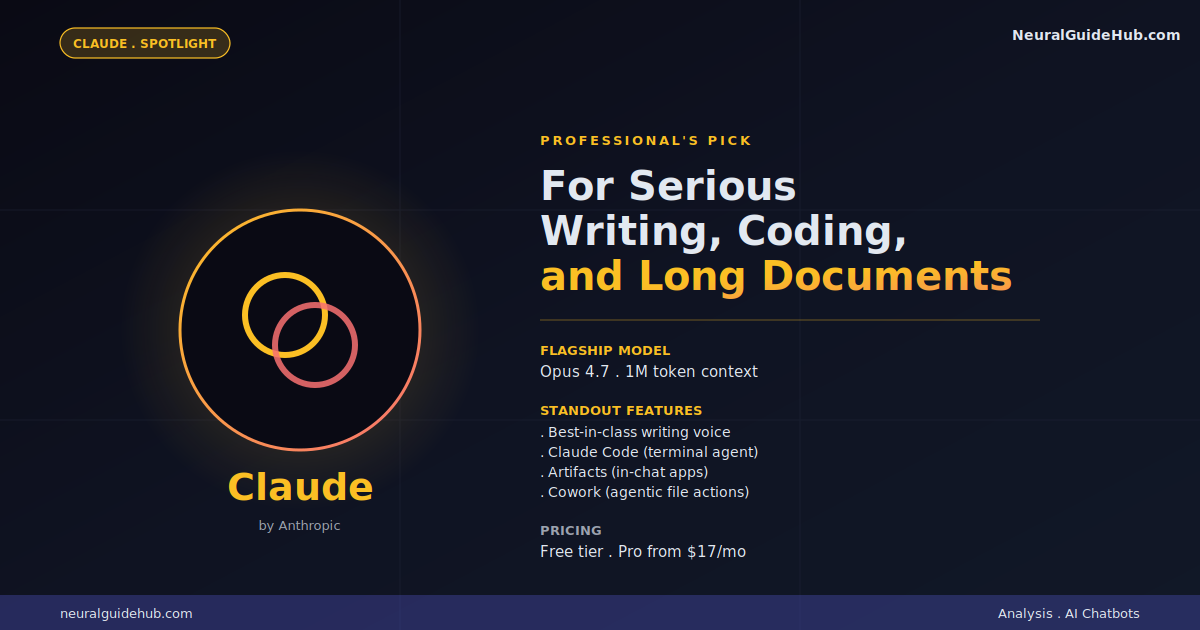
Claude is the chatbot I reach for when the task actually matters. Writing a piece for publication. Reviewing a contract. Working through a thorny technical problem. The output quality is consistently sharper than ChatGPT’s, especially for anything that needs nuance or tone.
The default writing voice feels more human. That sounds vague but you’ll notice it the first time you ask both tools to draft a delicate email. ChatGPT often gives you something polished but generic. Claude tends to land closer to how a thoughtful person would actually write.
Where Claude really pulls ahead in 2026:
- Coding. Opus 4.7 is at or above the frontier for code reasoning. Claude Code (the terminal-based agent) is one of the most competent coding tools available.
- Long-form documents. The 1 million token context window handles entire books, codebases, or research archives without getting confused.
- Artifacts. Claude can build small interactive apps that run inside the chat. Not a gimmick. Useful for prototyping ideas in the same conversation where you discuss them.
- Cowork. An agentic feature layered on top of the chat that takes actions for you across files and apps.
The honest weakness: no native image or video generation. If those are core to your workflow, Claude won’t replace ChatGPT.
Pricing: Free tier with daily limits. Pro is $17/month annually, $20/month monthly. Max tiers go up to $200/month for power users.
2. Gemini: The Google Ecosystem Pick
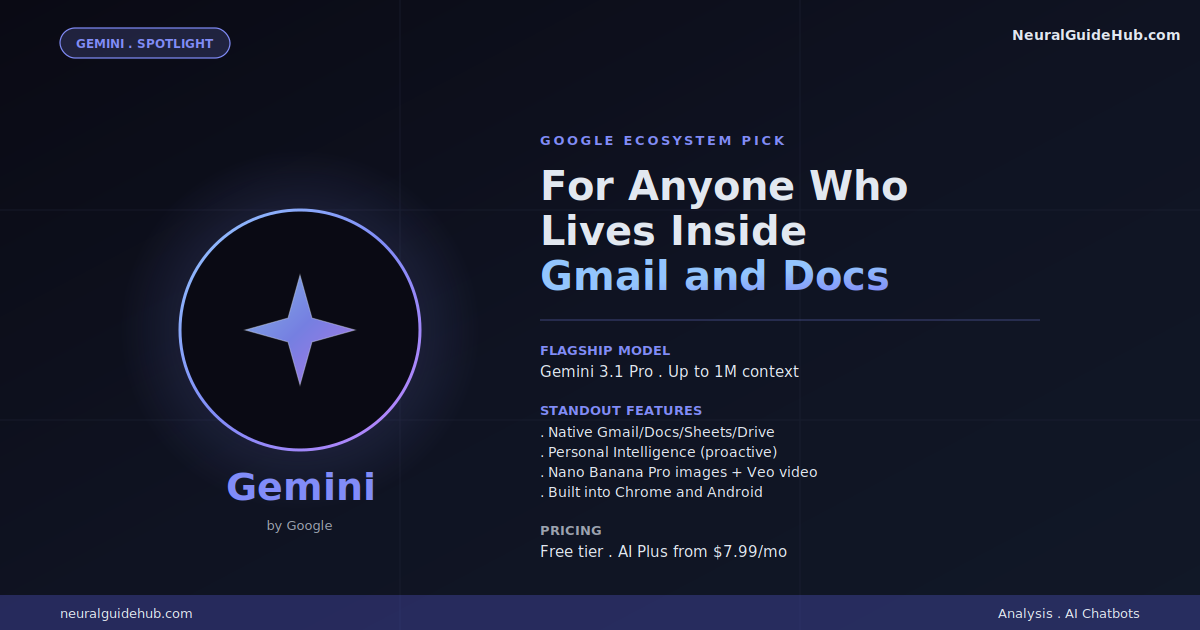
Gemini’s killer feature isn’t the model. It’s where the model lives. If your daily tools are Gmail, Google Docs, Sheets, Drive, and Calendar, Gemini sits inside all of them. ChatGPT does not.
That integration matters more than benchmark scores in real workflows. Ask Gemini to summarize an email thread. It just does it, inside Gmail. Ask it to pull data from a Sheets document. Done, no copy-paste. Have it draft a follow-up using context from a Drive folder. Same thing.
What you’re getting in 2026:
- Gemini 3.1 Pro. The flagship model, genuinely competitive on most reasoning benchmarks.
- Personal Intelligence. Pulls context from your Google apps proactively, so the assistant knows what you’ve been working on.
- Native image and video generation. Including Nano Banana Pro for images and Veo for video.
- Embedded everywhere. Chrome sidebar. Android device assistant. Inside every Workspace app.
The honest weakness: Gemini still feels less polished than ChatGPT for general chat. The interface has occasional quirks. The reasoning sometimes feels less sharp than Claude or GPT-5.5 on really tough problems. But for “I work in Google all day” workflows, the integration tax savings are massive.
Pricing: Generous free tier with Gemini 2.5 Flash. Google AI Plus is $7.99/month. AI Pro is $19.99/month. Discounts often available for first months.
3. Microsoft Copilot: The Microsoft 365 Pick
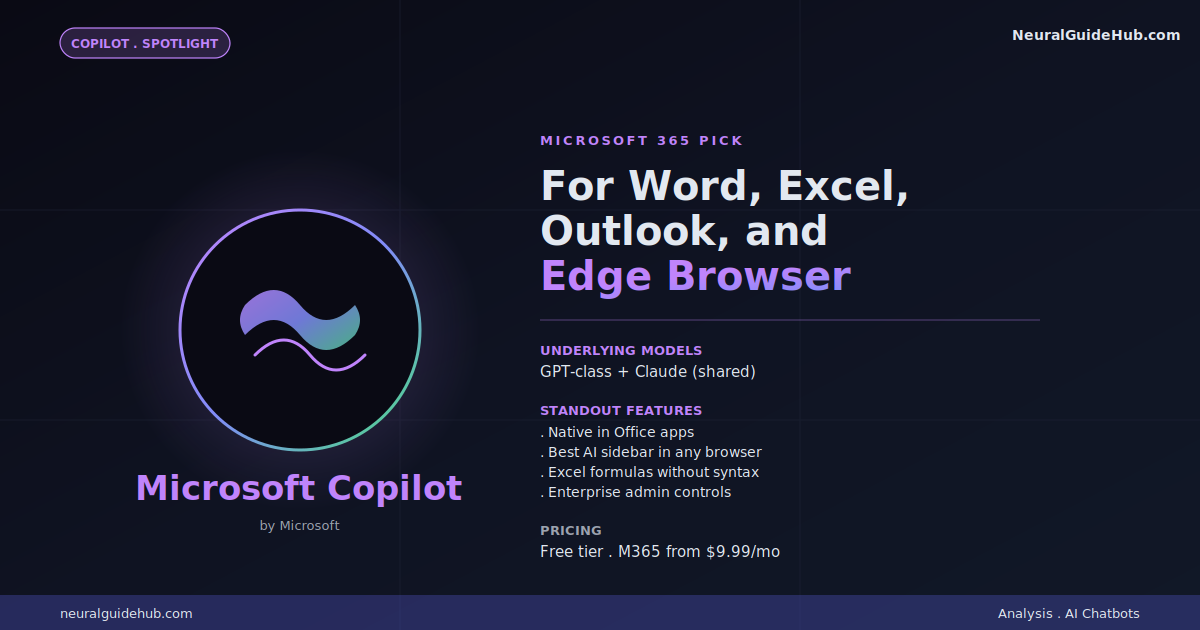
Microsoft’s situation is interesting. They’re invested in OpenAI and Anthropic, so Copilot runs on the same models as ChatGPT and Claude. The model isn’t the differentiator. The integration is.
If your work happens in Word, Excel, PowerPoint, Outlook, and Teams, Copilot lives there natively. Same login. Same files. No tab switching. The Edge browser sidebar version is also genuinely good. Ask it questions about the page you’re reading, summarize an article, draft an email based on what’s on screen.
Where Copilot earns its place in 2026:
- Document automation. Generate slide decks from a Word doc. Build Excel formulas without learning the syntax. Draft Outlook replies that match your existing thread.
- Edge browser sidebar. The most useful AI sidebar in any major browser right now.
- Same models, different surfaces. You’re getting GPT-class output without paying ChatGPT separately if you’re already on Microsoft 365.
- Enterprise governance. Better admin controls than the consumer-grade alternatives. Matters if you work in IT or compliance.
The honest weakness: Copilot lags behind ChatGPT in feature velocity. New stuff lands later. The standalone chat experience also feels more rigid than ChatGPT or Claude. It’s an integration play, not a chat-experience play.
Pricing: Free version with limits. Built into Microsoft 365 plans starting at $9.99/month. Enterprise tiers vary.
4. Perplexity: The Research Pick
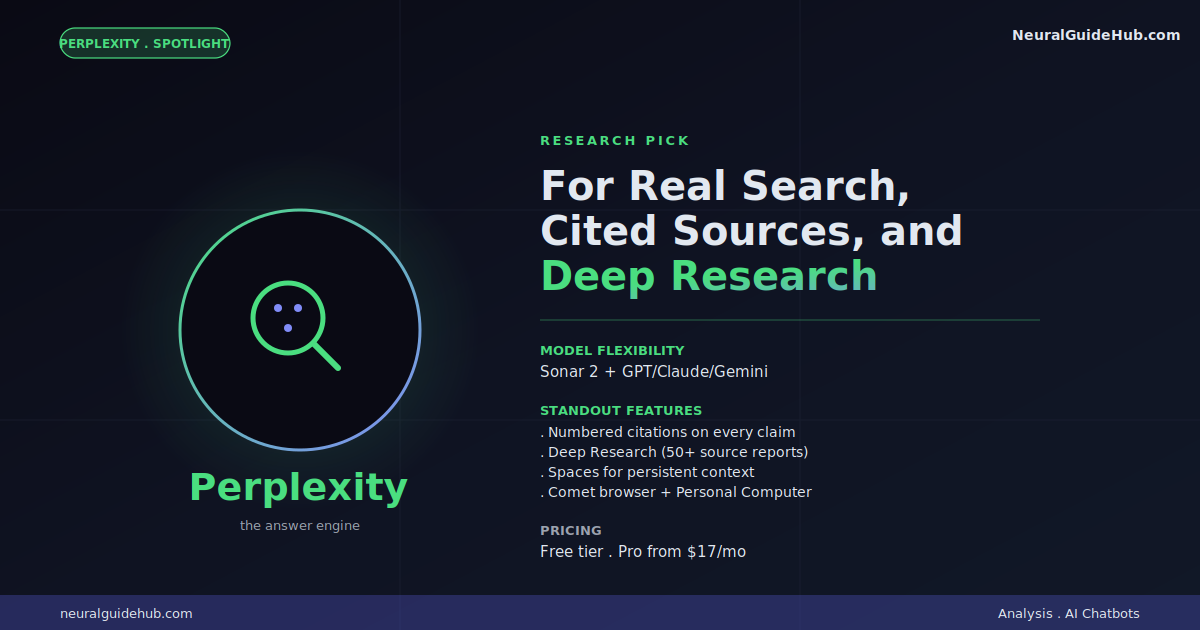
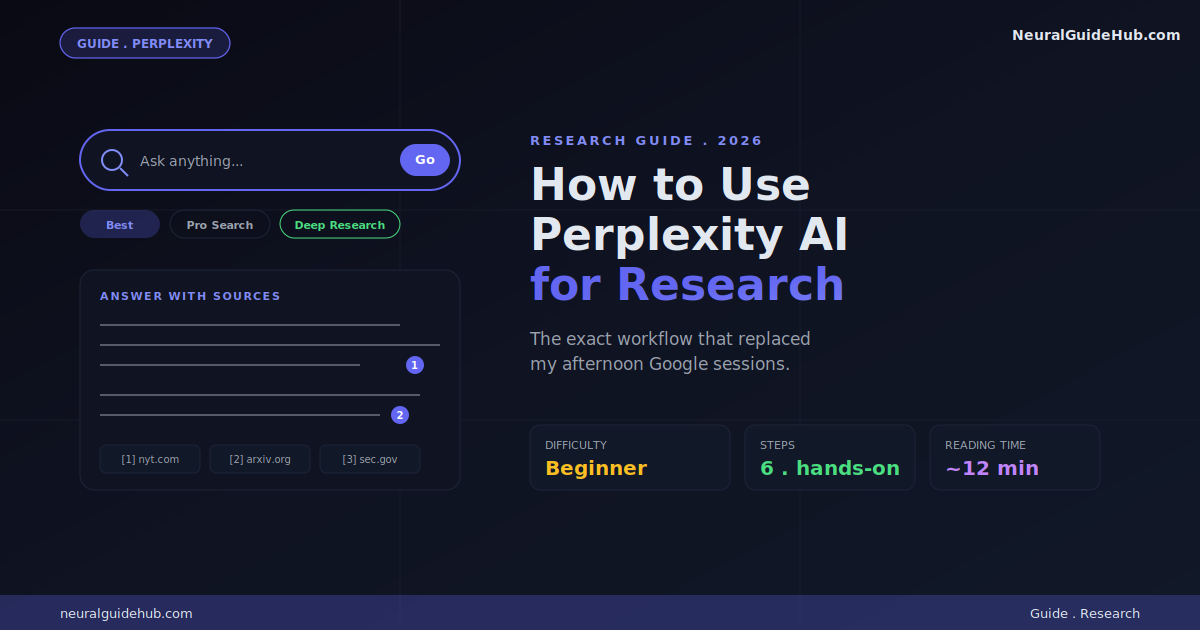
Perplexity isn’t really a chatbot in the same sense as the others. It’s an answer engine. You ask a question. It searches the live web. It writes you a synthesized answer with numbered citations. Click any number, you see the source. Every claim is verifiable.
That single difference makes Perplexity dramatically better than ChatGPT for any task that involves “what’s actually true right now.” Research. Fact-checking. Comparing products. Tracking news. ChatGPT can web search, sure, but Perplexity is built around it.
What you’re getting in 2026:
- Multi-model routing. You can swap between GPT-5.5, Claude Sonnet 4.6, Gemini 3.1 Pro, and Sonar 2 for the same query. Model-agnostic search.
- Deep Research mode. Spend 2-5 minutes letting it produce a full report with 50+ citations. Replaces hours of manual research.
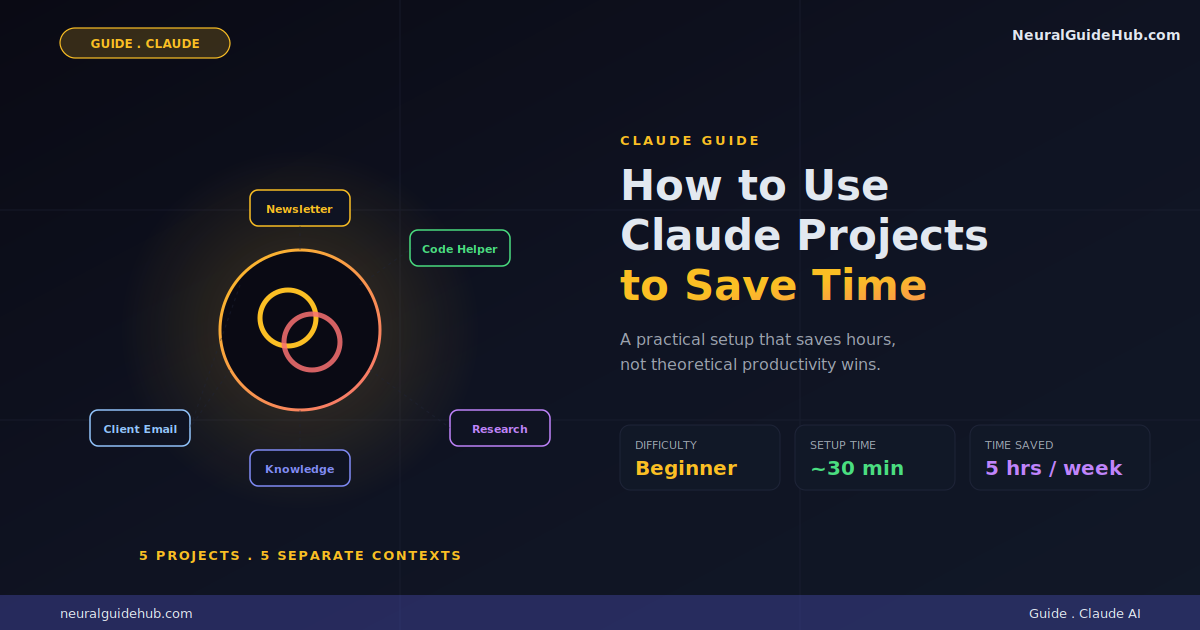
- Spaces. Project containers with custom instructions and uploaded files. Persistent context across multi-day research.
- Comet browser and Personal Computer. Their agentic surfaces that take actions on the web or your machine.
The honest weakness: Perplexity is more awkward than ChatGPT for general tasks. Drafting emails. Writing creative content. Casual conversation. It’s a research-shaped tool. Use it for what it’s shaped for.
Pricing: Generous free tier with limited Pro searches. Perplexity Pro is $17/month annually. Max tier is $200/month.
5. Grok: The Alternative-Perspective Pick
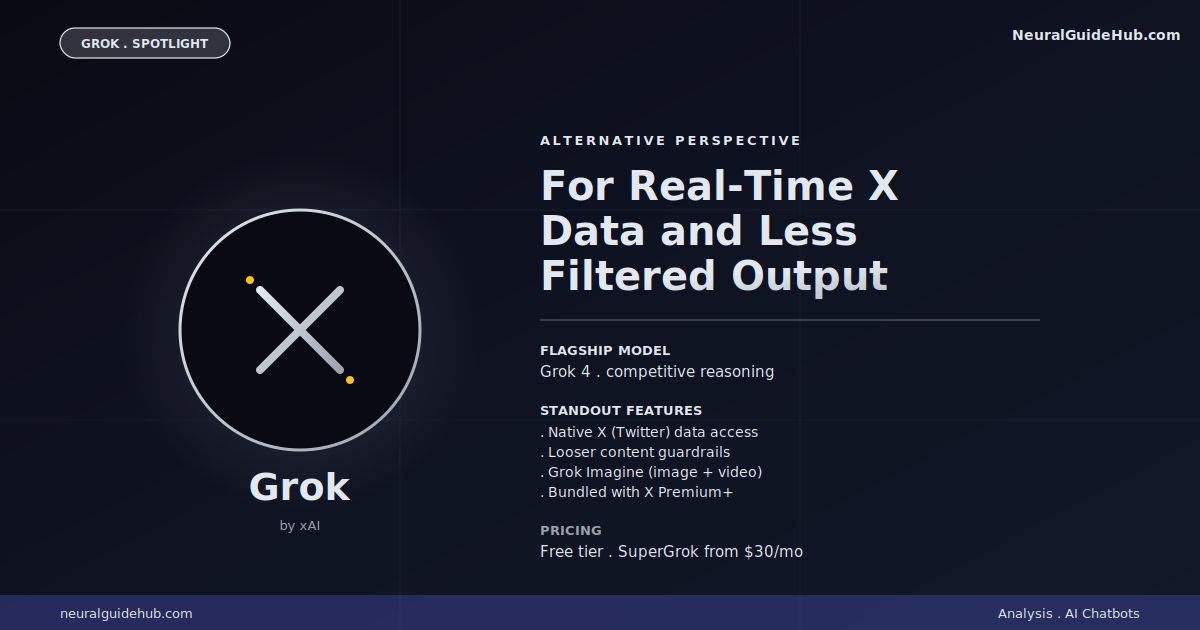
Grok is xAI’s chatbot, and it’s the one most people either love or refuse to consider. Worth understanding why both reactions exist.
The case for Grok: it has tighter content guardrails than ChatGPT or Claude, which means it’ll engage with topics those tools route around. Real-time access to X (Twitter) data is genuinely useful for tracking news, public sentiment, or trending conversations. Grok 4 is a competent reasoning model that sometimes lands sharper takes than the more cautious alternatives.
The case against Grok: those same loose guardrails have produced some genuinely embarrassing public moments. Editorial concerns about its training data and content policies are real. If “I want a chatbot whose values I can predict” is a priority, Grok might not be it.
Where it actually wins in 2026:
- Real-time X integration. The only chatbot with native, live access to X data. Useful for journalism, social listening, and market sentiment.
- Less filtered output. Sometimes more direct than the competition, for better or worse.
- Bundled with X Premium. If you already pay for X, you get Grok included.
- Grok Imagine. Image and video generation that’s more permissive than what OpenAI or Google ship.
The honest take: Grok is worth knowing exists. Whether it’s worth using depends on whether real-time X data or less filtering matter to your specific use case. For most general work, the other four picks here are better.
Pricing: Free tier with limits. SuperGrok is $30/month, included with X Premium+ at $40/month. Heavy users hit usage limits faster than they’d expect.
How to Pick Yours
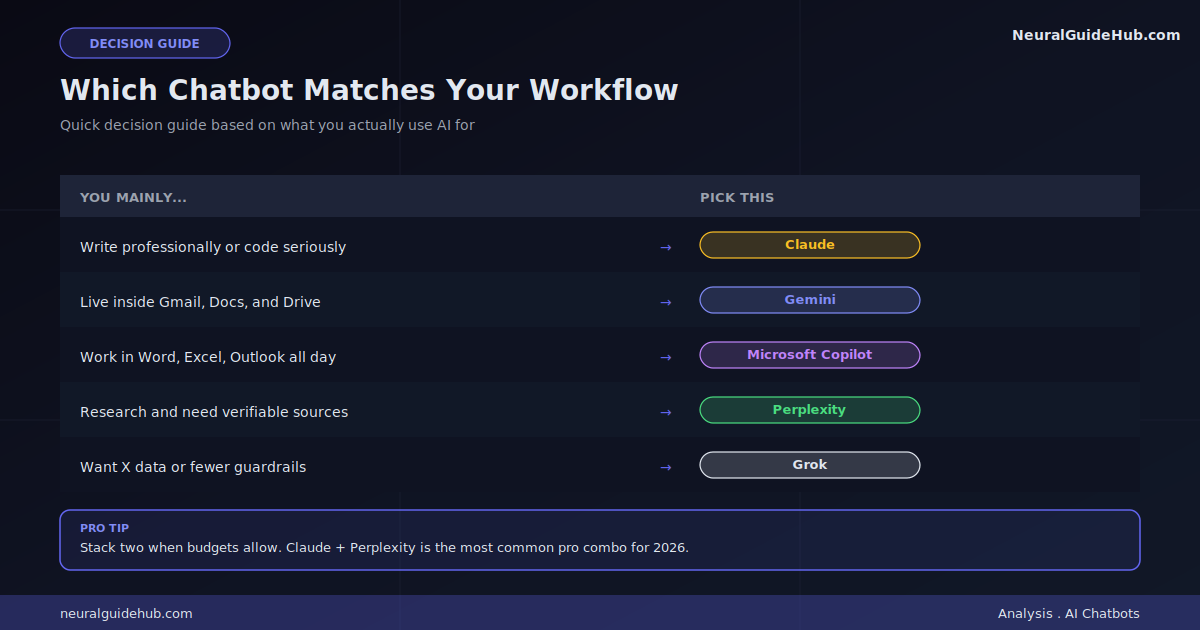
Quick decision tree:
- You write a lot or do professional work: Claude. Output quality alone justifies it.
- You live in Gmail and Google Docs all day: Gemini. Integration savings are huge.
- You work in Microsoft 365 daily: Copilot. Same logic.
- You research things constantly: Perplexity. Citations change everything.
- You want real-time X data or less filtering: Grok. Niche but real use case.
If you’re not sure: stick with ChatGPT for now and try one of these alongside it for a week. Most have free tiers that are usable enough to test the fit. Notice which one you reach for instinctively. That’s your answer.
The Combinations Worth Knowing
You don’t have to pick just one. Some pairings genuinely earn their cost:
- Claude + Perplexity. Claude for writing and reasoning. Perplexity for finding facts. The most common pro combo I see in 2026.
- Claude + Gemini. Claude for the heavy thinking. Gemini for everything inside your Google apps. Low overlap, high coverage.
- ChatGPT + Perplexity. Use ChatGPT for daily chat. Use Perplexity to verify anything ChatGPT tells you that matters.
Stacking subscriptions adds up fast. Two paid AI tools is roughly $40 a month. Worth it if you actually use both. Not worth it if you’re just hoarding tools.
The Bottom Line
None of these ChatGPT alternatives is universally better than ChatGPT. They’re each better at specific things. The right answer depends on which “specific things” describe your daily work.
The bigger pattern worth noticing: AI chatbots are differentiating fast. The era of “one tool for everything” is ending. The people who get the most out of AI in the next 12 months will be the ones who learn to mix tools intentionally instead of staying loyal to one. Pick what fits the job in front of you. Switch when the job changes.
Whatever you pick, remember: practice beats analysis. An afternoon of actually using one of these tells you more than a week of reading about them. Pick one. Use it for real. Decide from there.